The Best Filters and Apps for Editing Your Travel Photos on the Go
7 March 2026
Let’s face it—travel isn’t just about the experience anymore. It’s also about capturing those epic moments and sharing them with the world. Whether it’s a jaw-dropping sunset in Santorini, a bustling street in Bangkok, or just your perfectly brewed cappuccino in Rome, we all want our photos to scream, “Wish you were here!”
But here’s the thing: not all breathtaking moments look Insta-worthy straight out of the camera roll. That’s where editing apps and filters come in to work their magic. And guess what? You don’t need to lug around a laptop or be a Photoshop wizard. With the right apps and filters, you can effortlessly polish your photos right from your phone while sipping coconut water on a beach in Bali.
In this guide, we’re diving into the best filters and apps for editing your travel photos on the go. Whether you’re an iPhone junkie or an Android lover, a rookie shooter or a seasoned digital nomad—this article’s got something for you.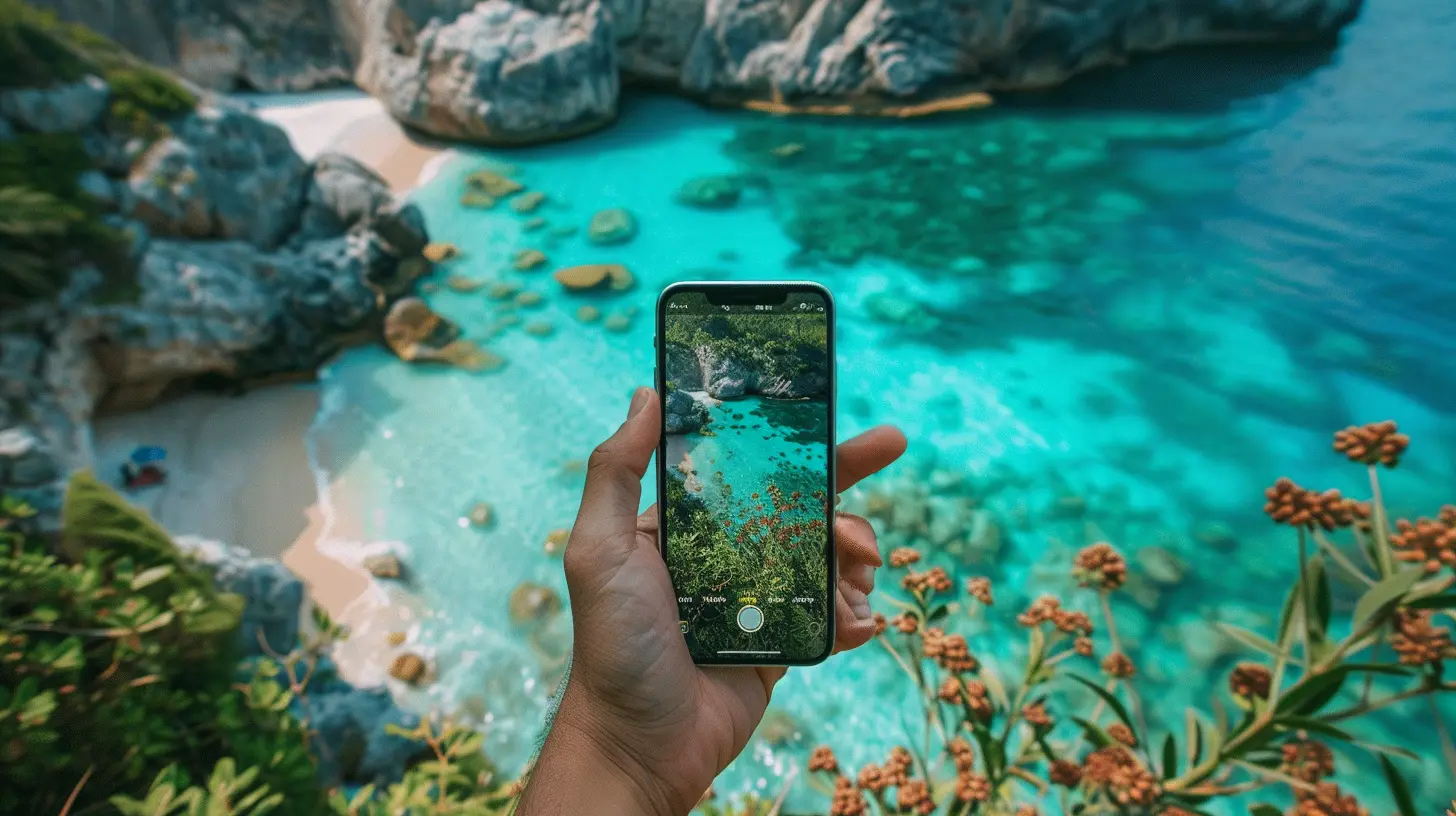
Why Editing on the Go Matters
Let’s be real: you don’t want to wait until you get home to start editing your photos. Why?- Instant Gratification: Post that sunrise pic while it's still fresh. Your followers will love getting real-time updates.
- Storage Management: Edit, upload, and delete duplicates. Less clutter, more space for the next stop.
- Engagement Boost: Edited photos get more likes and shares. It’s not just vanity—it’s strategy.
- Efficiency: Editing on the spot means you highlight details while the memory’s fresh.
Still not convinced? Think about it this way: your photos are like ingredients. Raw is great, but a little seasoning makes the meal memorable.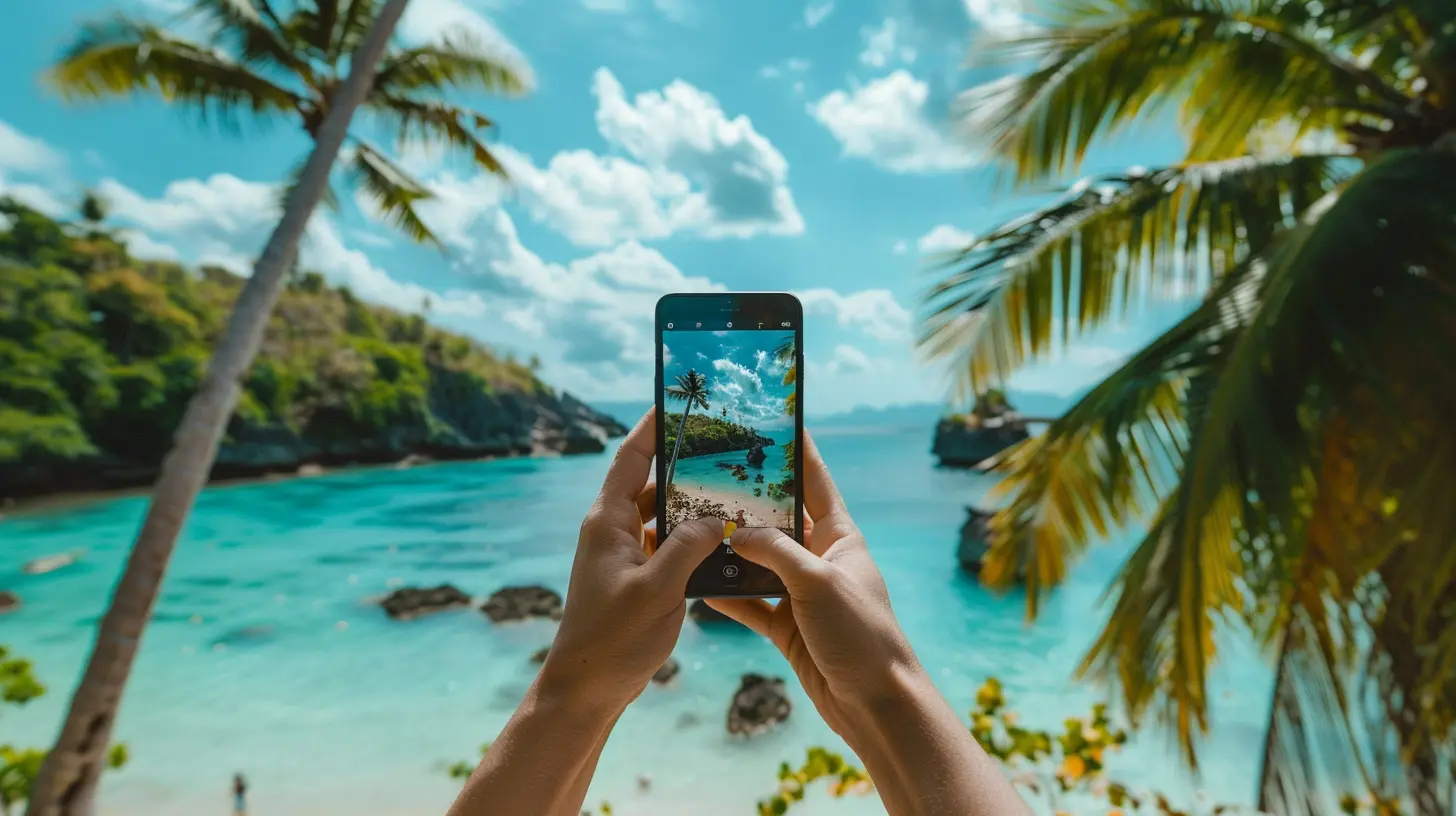
Best Mobile Editing Apps for Travelers
Let’s jump in—here’s a lineup of the top photo editing apps tailored for travelers.1. Lightroom Mobile
If you’re serious about photo editing, Lightroom Mobile is your best friend. It’s got the muscle of Adobe’s desktop version but wrapped in a sleek mobile package.Why It’s Great:
- Pro-level editing tools- Presets galore (think filters, but fancier)
- Adjustment sliders are a dream
- Syncs with Adobe Cloud
💡Travel Tip: Download or create travel-themed presets ahead of your trip. One tap and boom—consistent aesthetics across your whole feed.
2. Snapseed
Developed by Google, Snapseed is a free, powerhouse editor packed with tools that rival even the most premium apps.Killer Features:
- Tune image, white balance, and selective edits- Healing tool for removing unwanted objects (goodbye, photobombers!)
- Curves and lens blur for creativity
- Works offline
It’s basically like the Swiss Army knife of editing apps—from quick fixes to detailed enhancements.
3. VSCO
Ah, VSCO—a crowd favorite for a reason. It’s not just an app; it’s a vibe.Why Travelers Love It:
- Aesthetic filters (or “presets” as VSCO calls them)- Subtle, film-inspired tones (perfect for moody landscapes and cityscapes)
- Built-in social platform
- Easy to batch-edit
You can go from basic to boho-chic in seconds. Less is more here.
4. Afterlight
This one’s for the perfectionists out there who want vintage filters and textures.Features Worth Noting:
- Dust and light leak overlays- Creative text and artwork features
- Frames and borders, perfect for scrapbooking-style posts
- Easy cropping ratios for different platforms
It’s playful without being gimmicky—a great app for adding personality.
5. PicsArt
Feeling extra creative? PicsArt takes photo editing to a whole new level—it’s part editor, part graphic design tool.Highlights:
- Double exposure effects- Collage and drawing tools
- Stickers for quirky fun
- Remix options for experimental edits
It’s like Photoshop and Snapchat had a baby. Great for IG Stories and TikToks too.
6. TouchRetouch
Ever taken the perfect beach photo—only to find some random dude doing jumping jacks in the background? TouchRetouch to the rescue!What It Does Best:
- Object removal in seconds- Repair blemishes or distractions
- Super easy interface
- One-time purchase, no subscription
Honestly, it feels like magic. Tap, gone. Never underestimate the power of a clean background.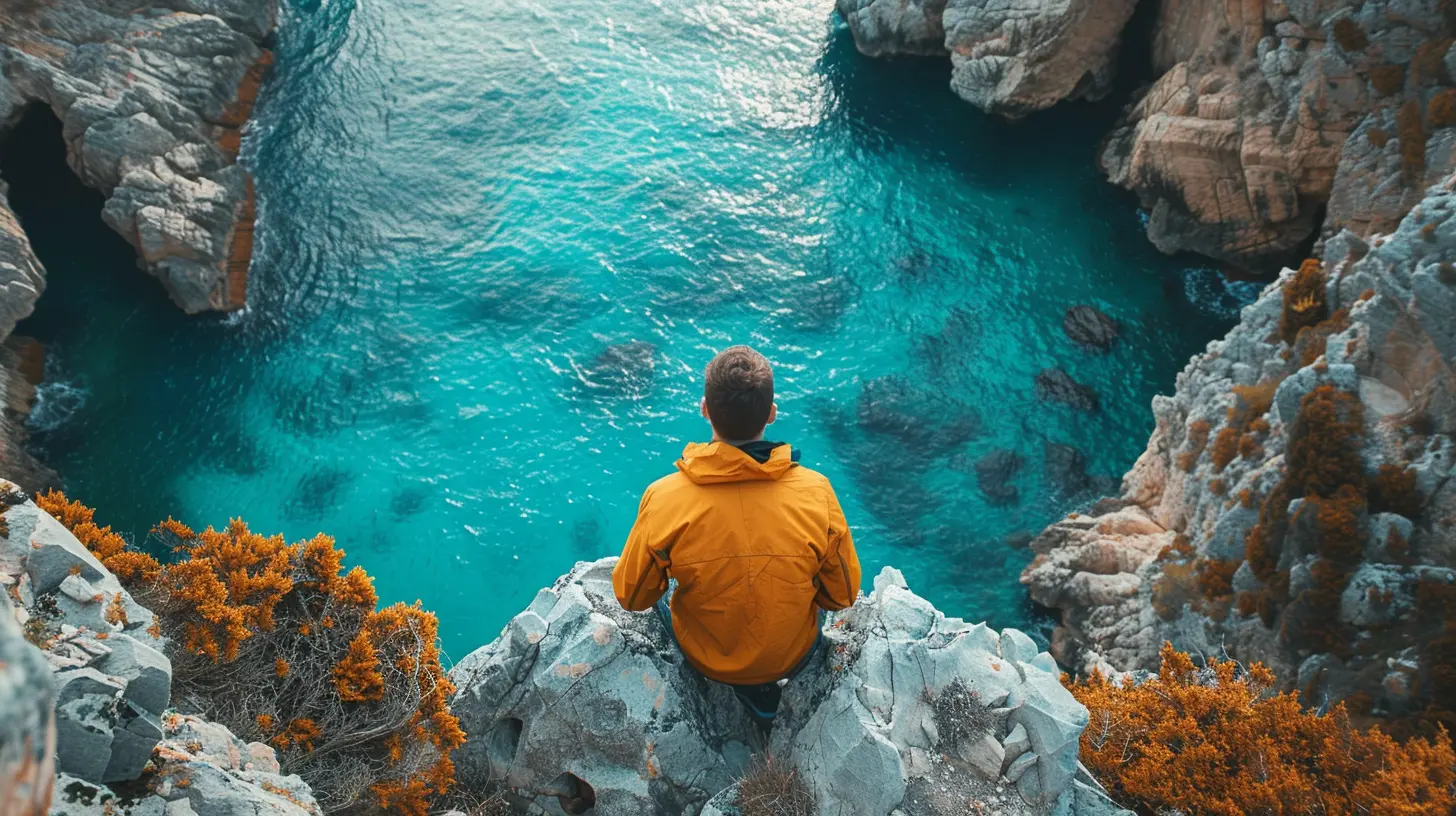
The Best Filters for Travel Photos
Not all filters are created equal. Some elevate your photos, while others make them look like they're stuck in 2014. We’ve got you covered with the best filter styles for different travel vibes.1. Warm Tones for Tropics and Beaches
Filters with golden, vibrant hues are ideal for sunny scenes—think Bali, Maldives, or the Amalfi Coast.- 📸 Recommended Presets: VSCO A6, Lightroom “Golden Hour,” Snapseed’s “Ambiance” tweak
- 🔥 Pro Tip: Adjust warmth and saturation slightly to avoid looking too fake
2. Cool ‘n’ Moody for Mountains and Forests
Cool filters add drama and depth to your nature shots—perfect for hikes in the Rockies or waterfalls in Iceland.- 📸 Recommended Presets: VSCO HB2, Lightroom “Moody Mountains”
- ❄️ Watch out: Don't overdo the contrast or you’ll lose detail in shadows
3. Urban Grunge for City Streets
Graffiti walls? Neon signs? Bustling crowds? Bring out that raw city vibe.- 📸 Recommended Presets: Lightroom “Urban Jungle,” Snapseed’s “HDR Scape”
- 🎯 Best for: New York City, Tokyo, Berlin
4. Black & White Filter for Storytelling
Sometimes color just gets in the way. A strong black-and-white image can be timeless and emotionally powerful.- 📸 Best Apps: Snapseed, Lightroom, or Afterlight
- 🖤 Ideal for: Old architecture, candid street moments, or emotional portraits
5. Retro + Vintage for Nostalgic Destinations
When you're walking through history—like the cobbled streets of Prague or a vintage café in Paris—retro filters bring out the charm.- 📸 Try: VSCO M5, Afterlight’s “Dusty” presets
- 📽️ Add film grain for that extra throwback feel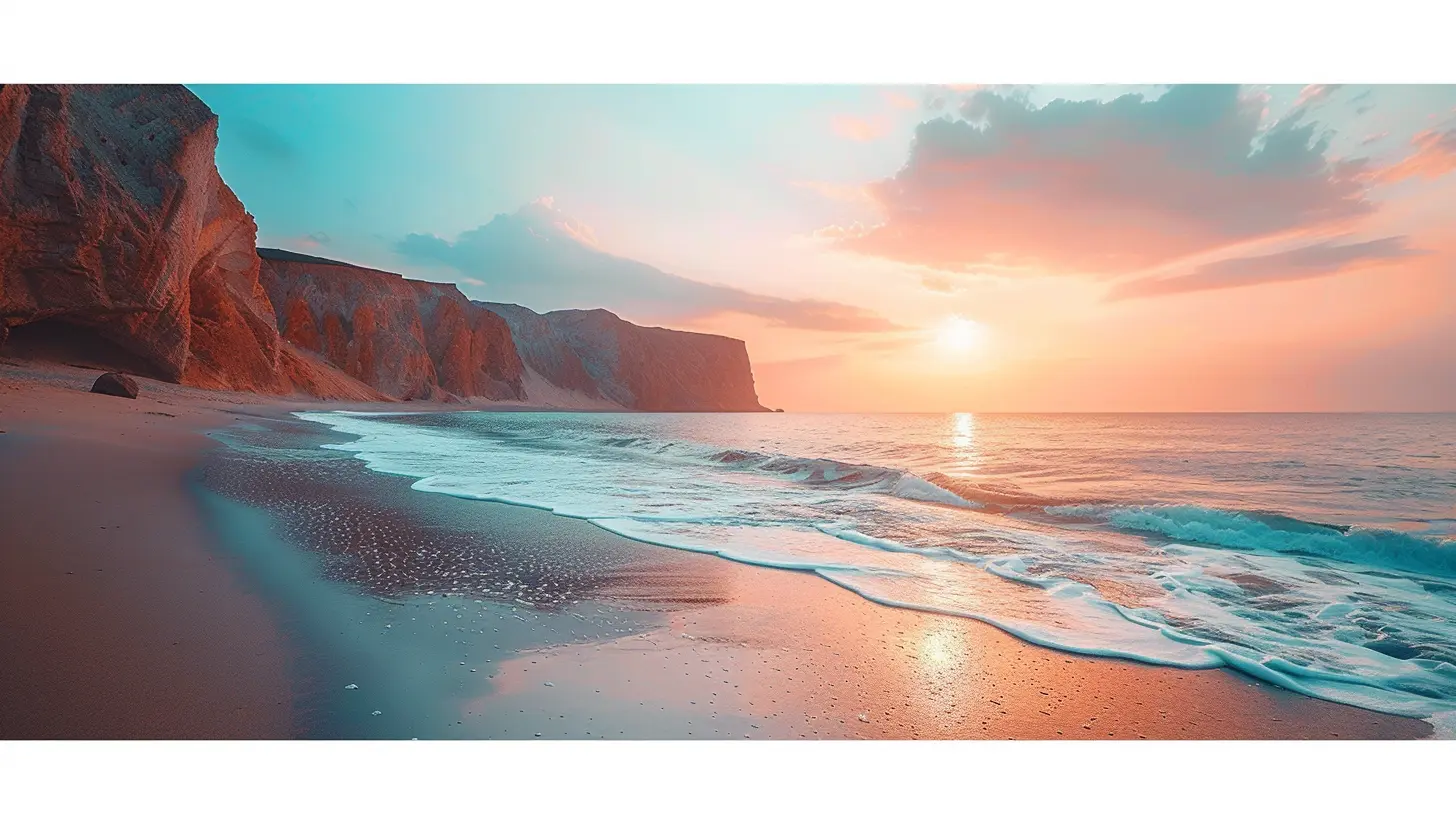
Tips for Editing Travel Photos Like a Pro
Having the best apps and filters is great, but technique matters too. Here are a few pro tips to get your editing game on point:1. Don’t Over-Edit
Less really is more. Over-edited photos look unnatural. Always strive for balance—enhance what’s already beautiful, don’t try to reinvent the scene.2. Use the Rule of Thirds
Even in editing, cropping your photo to align with the rule of thirds makes it more visually appealing.3. Adjust in This Order: Light → Color → Effects
Get the exposure right first, tweak the colors, and only then add filters, overlays, or effects.4. Save the Original
Always. Save. The. Original. You never know when you’ll want to re-edit with a new style or better skills.5. Batch Editing is a Time Saver
Apps like Lightroom and VSCO let you apply the same look to multiple photos. That means more time adventuring, less time staring at your screen.Offline Editing? No Problem.
Many of these apps work without Wi-Fi. Snapseed, Lightroom, and others allow you to edit offline—so your 8-hour train ride becomes a creative studio.Bonus: editing offline saves battery life compared to uploading and syncing to cloud storage.
What About Video Editing?
Got some GoPro or drone footage? Traveling means moving scenes, too.For on-the-go video editing, try:
- InShot – simple and clean with awesome templates
- Quik by GoPro – automatic highlight reels
- CapCut – perfect for TikToks and Reels
A little color grading and a travel-friendly tune can turn clips into a mini movie.
Final Word: Your Photos, Your Story
At the end of the day, your travel photos should tell your story. Whether you're adding a vintage dust filter to capture old-world charm or using a high-contrast urban preset for street shots, the right tools let your creativity shine.Don't stress about making your photos “perfect.” Focus on capturing the moment, then use these apps and filters to make it shine just a bit brighter.
The world is too beautiful not to edit it well. So pack your bags, snap away, and let your photos do the talking.
all images in this post were generated using AI tools
Category:
Travel PhotographyAuthor:

Winona Newman
Discussion
rate this article
2 comments
Catherine Newton
Capture your adventures in stunning detail! With the right filters and apps, elevate your travel photos from ordinary to extraordinary. Let creativity flow and inspire others with your journey—every moment deserves to shine!
March 11, 2026 at 5:21 AM
Winona Newman
Thank you for your enthusiasm! Indeed, the right filters and apps can transform travel photos into captivating stories. Happy editing!
Oren Soto
This article highlights essential tools for enhancing travel photos effortlessly. I appreciated the insights on user-friendly apps, which truly elevate the experience of capturing memorable moments.
March 10, 2026 at 3:48 PM
Winona Newman
Thanks for your feedback! I'm glad you found the insights on apps helpful for capturing those special moments. Happy editing!